

Student Services Portal That Gave a Community College's Students the Self-Service Access They'd Been Asking For
The college transformed its student services operation from a walk-in-dependent, office-hours-only model into a digital-first experience available around the clock. By meeting students where they already were — on their phones, outside of business hours — the portal dramatically reduced front-desk traffic, shortened response times for financial aid and transcript requests, and removed the access barriers that had been quietly contributing to student frustration and attrition. Staff were freed from high-volume routine inquiries and redirected toward the complex, human-centered work that self-service technology cannot replace.
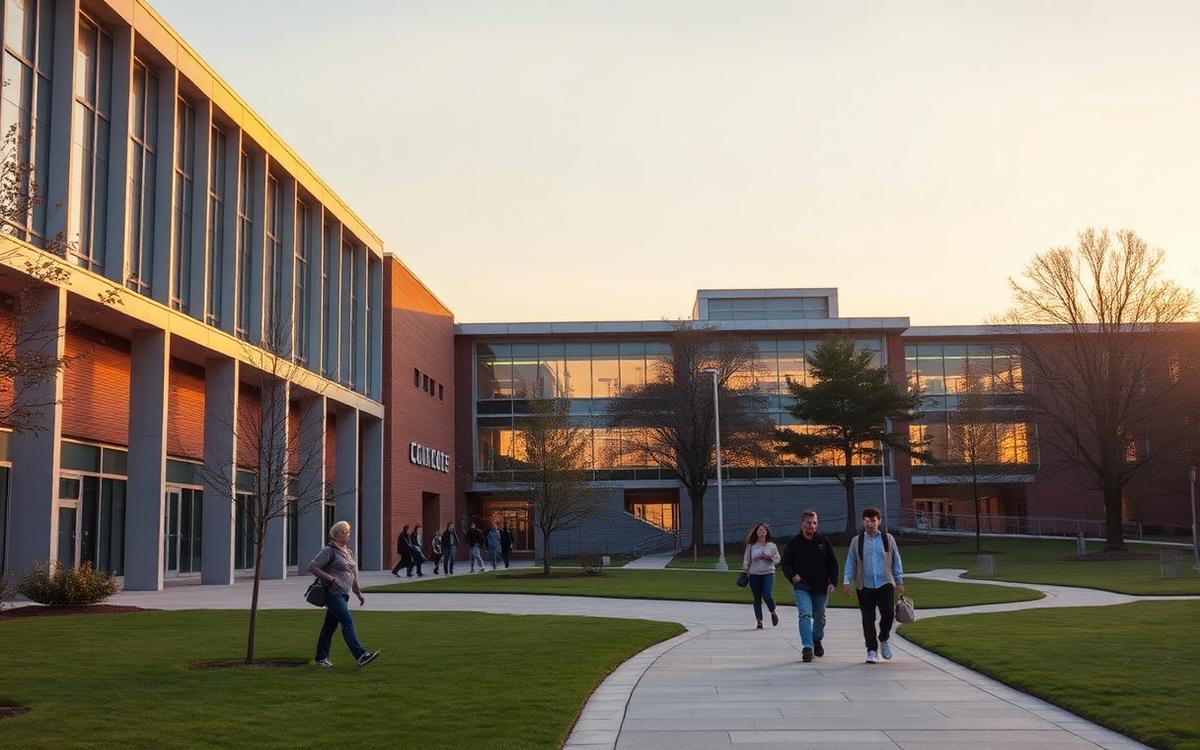
A suburban community college serving a mixed suburban and rural student population had been operating with outdated student-facing systems for over a decade. Students were required to visit administrative offices in person for tasks as basic as checking financial aid status, requesting transcripts, or scheduling advising appointments. As enrollment grew and student expectations shifted toward digital-first experiences, the college recognized that its lack of self-service options was eroding satisfaction, overwhelming front-desk staff, and creating unnecessary barriers to student success.
JSG was engaged to design and deploy a comprehensive self-service student portal that would consolidate enrollment, financial aid, registration, transcript requests, support ticketing, and advising into a single digital platform — accessible 24/7 from any device.
Client: A suburban/rural community college
Employee Size: 120 faculty and staff
Industry: Higher Education
Services: - Custom Software Development - AI Automation & Workflow Design - Portal Development - Systems Integration
The college faced a compounding set of problems rooted in the absence of any meaningful self-service infrastructure for its 5,000 students.
First, the most basic student transactions required an in-person visit. Checking enrollment status, verifying financial aid disbursements, requesting official transcripts, and signing up for advising appointments all required students to physically walk into one of three separate offices during business hours. For students commuting from rural areas — some driving 30 to 45 minutes each way — this created a disproportionate burden. Evening and weekend students had virtually no access to administrative services, as offices closed at 5:00 PM on weekdays.
Second, the front-desk staff in the Registrar's Office, Financial Aid, and Student Services were spending an estimated 65% of their time answering repetitive questions that could be resolved with a simple status lookup or FAQ. Questions like "When will my financial aid post?" and "How do I drop a class after the deadline?" consumed hours each day, leaving staff with little capacity for the complex, high-value advising work they were trained to do.
Third, the college's existing Student Information System (SIS) did have a student-facing portal, but it was a legacy web interface built in the early 2010s that was unintuitive, poorly documented, and frequently broken on mobile devices. Students had largely abandoned it, defaulting to phone calls and walk-ins instead. The IT team had patched the system repeatedly but lacked the resources to rebuild it.
Fourth, there was no integrated support ticketing system. When students had issues — a grade discrepancy, a registration hold, a missing document — they had to call or visit. There was no way to track the status of a request, no confirmation that it had been received, and no visibility for supervisors into resolution times or bottlenecks.
The college needed a solution that would: - Provide 24/7 self-service access to core student transactions - Reduce repetitive administrative inquiries - Consolidate multiple office workflows into a single digital experience - Integrate with the existing SIS without requiring a full system replacement - Free front-desk staff to focus on complex advising and student support
JSG designed and deployed a unified student services portal built on the TMX platform, integrating directly with the college's existing SIS and layering in AI-powered assistance, automated workflows, and a modern self-service experience.
Key Components
Self-Service Student Dashboard A centralized portal was created where students could view enrollment status, check financial aid disbursement timelines, register for courses, request official transcripts, and manage their academic profile. The interface was mobile-first, reflecting the reality that over 70% of the student body accessed services from their phones.
AI-Powered FAQ Chatbot & Smart Search An Azure OpenAI-powered chatbot was deployed on the portal landing page, trained on the college's policy documents, academic catalog, and financial aid guidelines. Students could ask natural-language questions and receive accurate, context-aware answers instantly. A smart search function was layered across the portal to surface relevant forms, deadlines, and procedures based on the student's enrollment status and academic term.
Support Ticket System with Intelligent Routing A structured ticketing system replaced the informal phone-and-walk-in process. Students could submit requests categorized by type — financial aid, registration, academic records, advising — and each ticket was automatically routed to the appropriate office via N8N workflows. Students received confirmation, status updates, and resolution notifications by email and SMS.
Automated Advising Appointment Scheduling An integrated scheduling module allowed students to book advising appointments directly from the portal. N8N automation handled calendar synchronization, reminder notifications, and no-show follow-ups. Advisors could view upcoming appointments alongside the student's academic record in a single view.
Document Status Classification Azure OpenAI was used to classify and track submitted documents — such as FAFSA verification materials, immunization records, and residency affidavits — providing students with real-time status updates on where their documents stood in the review pipeline.
SIS Integration Layer Zapier connectors were configured to synchronize data between the new portal and the college's legacy SIS, ensuring that registration changes, transcript requests, and financial aid updates flowed bidirectionally without manual intervention or duplicate data entry.
## Quantifiable Impact
- 50% reduction in walk-in and phone-based administrative inquiries within the first semester
- 3,800 of 5,000 students (76%) adopted the portal within 90 days of launch
- 1,200+ support tickets processed through the portal in the first semester, with an average resolution time of 18 hours versus the prior 3–5 business day average
- 40% reduction in front-desk staffing hours allocated to repetitive inquiries
- 24/7 access achieved for transcript requests, enrollment verification, and financial aid status — previously available only during weekday business hours
- Chatbot resolved 62% of student questions without requiring a human handoff
- Frontend: Next.js (responsive, mobile-first)
- Backend: .NET API
- Platform: TMX (student portal engine, role management, data layer)
- Cloud: Microsoft Azure
- Database: Azure SQL
- AI & Automation: Azure OpenAI (FAQ chatbot, smart search, document status classification)
- Workflow Orchestration: N8N (ticket routing, appointment scheduling automation, reminder workflows)
- Integration: Zapier (SIS connector, bidirectional data sync)
- Communication: Twilio (SMS notifications), SendGrid (email confirmations and updates)
Ready to Modernize Your Business?
Let's talk about where technology can move the needle first.