

Campus IT Modernization That Moved a College Off Legacy Infrastructure into a System That Could Actually Scale
The college moved from a fragile, unrecoverable on-premise infrastructure to a modern cloud environment that its three-person IT team could actually manage and maintain. By automating the routine work that had consumed the IT team's capacity — password resets, device provisioning, helpdesk triage — and migrating all critical workloads to Azure with built-in redundancy and disaster recovery, the college achieved in months what years of incremental investment had failed to produce: a stable, secure, and scalable technology foundation. The IT staff gained time to work proactively, faculty and students gained the cloud-based tools they had been requesting for years, and the administration gained its first documented, tested business continuity plan.
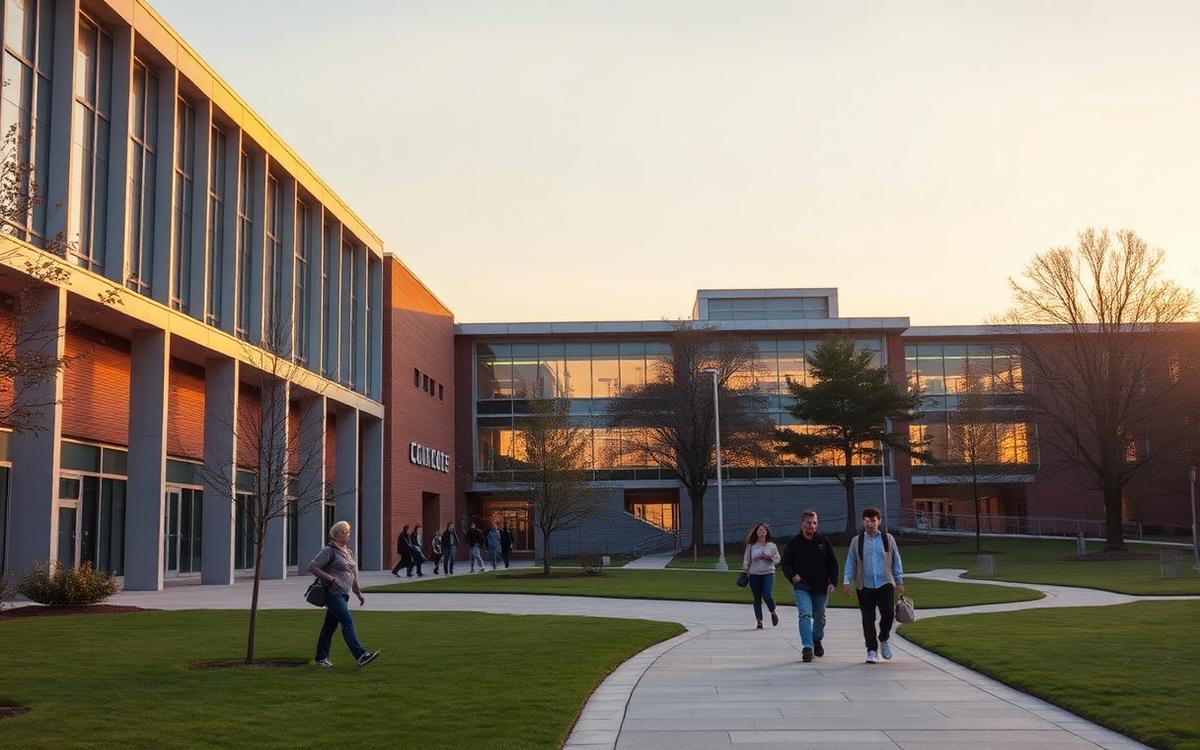
A community college with 5,500 students and 150 employees was running its entire technology infrastructure on 12 aging on-premise servers housed in a repurposed storage closet. The three-person IT team managed everything — email, file shares, the Student Information System, the website, classroom technology, and 400+ endpoints — with no disaster recovery plan, no centralized device management, and no capacity for the cloud-based tools that faculty and students increasingly expected. A failed server that took the college's email offline for 36 hours was the catalyst for the administration to seek outside help.
JSG was engaged to execute a full infrastructure modernization: migrating to cloud, deploying centralized identity and device management, automating the helpdesk, hardening security, and building a foundation that a small IT team could actually maintain.
Client: A community college
Employee Size: 150 employees (IT team of 3)
Industry: Higher Education
Services: - Cloud Infrastructure & Migration - IT Modernization - Security Hardening - Automation & Workflow Design
The college's IT infrastructure had been built incrementally over 15 years with no strategic plan and no dedicated capital budget. Each time a need arose — a new application, a file share, a database — the IT team procured a server and added it to the growing collection. The result was 12 physical servers of varying ages, operating systems, and configurations, with the oldest running Windows Server 2012 R2 and approaching end-of-life for security patches.
First, the infrastructure was brittle and unrecoverable. There was no disaster recovery plan, no off-site backups, and no redundancy for any critical system. When the email server failed, the IT team discovered that the most recent usable backup was 11 days old. The 36-hour outage disrupted registration, financial aid processing, and faculty communication during the second week of classes. The college president asked the CIO a direct question: "If the building floods, do we lose everything?" The honest answer was yes.
Second, the IT team of three was stretched beyond capacity. They were responsible for server maintenance, network management, endpoint support for 400+ faculty and staff devices, classroom technology, and application administration. Helpdesk requests were managed through a shared email inbox with no ticketing, no prioritization, and no visibility into resolution times. The team estimated that 40% of their time was consumed by password resets, software installation requests, and basic connectivity troubleshooting — tasks that could be automated or self-served.
Third, there was no centralized device management. Faculty and staff laptops were configured individually at the time of purchase, with no standardized security policies, no remote management capability, and no ability to push updates or patches at scale. When a faculty member's laptop was stolen from a car, the IT team had no way to remotely wipe it and no certainty about what data it contained.
Fourth, the network infrastructure was equally outdated. The campus Wi-Fi had been installed in 2014 and had not been upgraded since. Coverage was inconsistent across buildings, bandwidth was inadequate for the increasing number of cloud applications and video streaming in classrooms, and there was no network segmentation between student, faculty, and administrative traffic.
Fifth, security was minimal. There was no multi-factor authentication, no conditional access policies, no endpoint detection, and no security monitoring. The IT team knew this was a risk but lacked the time and budget to address it alongside their daily operational demands.
The college needed a modernization plan that would: - Migrate critical systems to a cloud environment with built-in redundancy and disaster recovery - Deploy centralized identity and device management - Automate routine helpdesk tasks to free the IT team for strategic work - Modernize the campus network to support current and future demands - Establish a security baseline appropriate for an institution handling student financial and academic data
JSG designed and executed a phased infrastructure modernization, migrating the college to Microsoft Azure, deploying modern identity and device management, automating the helpdesk, and establishing security controls — all within the constraints of a small IT team and a limited capital budget.
Key Components
Cloud Migration to Microsoft Azure All 12 on-premise servers were assessed, and workloads were migrated to Azure over a 10-week phased rollout. The Student Information System, file shares, email (migrated to Microsoft 365), and internal applications were moved to cloud-hosted environments with built-in redundancy, automated backups, and geographic failover. The physical servers were decommissioned, and the former server room was repurposed.
Azure AD Identity Management & Security Hardening Azure Active Directory was deployed as the centralized identity platform, replacing the on-premise Active Directory instance. Multi-factor authentication was enabled for all faculty and staff accounts. Conditional access policies were configured to restrict access based on device compliance, location, and risk level. Single sign-on was established across Microsoft 365, the SIS, and the LMS, reducing the number of credentials faculty and staff had to manage from an average of five to one.
Intune Device Management All faculty and staff endpoints were enrolled in Microsoft Intune, providing centralized management for configuration, security policies, software deployment, and remote wipe capability. Device compliance policies ensured that endpoints accessing institutional data met minimum security standards — current OS, active antivirus, encrypted storage. The stolen-laptop scenario that had previously been unrecoverable was now addressable with a single command.
Automated Helpdesk & Self-Service Portal N8N workflows were deployed to automate the most common helpdesk tasks. Password resets, software installation requests, and Wi-Fi access provisioning were converted into self-service workflows accessible through a Power Apps-based IT helpdesk portal. Each request was automatically logged, categorized, and either resolved automatically or routed to the appropriate IT staff member with full context. The shared email inbox was replaced with a structured ticketing system.
Network Modernization The campus Wi-Fi infrastructure was replaced with modern access points providing full-building coverage, adequate bandwidth for cloud applications and streaming, and segmented networks for student, faculty, administrative, and IoT traffic. A guest network with captive portal authentication was deployed for campus visitors and events.
Disaster Recovery & Business Continuity Azure-native disaster recovery was configured with a 4-hour Recovery Time Objective and a 1-hour Recovery Point Objective for all critical systems. Automated failover testing was scheduled quarterly, and the IT team was trained on recovery procedures. The college now had a documented, tested business continuity plan for the first time in its history.
## Quantifiable Impact
- Annual IT infrastructure spend reduced by 35%, from $287,000 to $186,000, by eliminating on-premise hardware maintenance, licensing, and power/cooling costs
- System uptime improved from an estimated 96.5% to 99.99% in the first year on Azure
- Disaster recovery capability moved from non-existent to a tested 4-hour RTO and 1-hour RPO
- Helpdesk ticket resolution time reduced by 45%, from an average of 28 hours to 15 hours
- Self-service portal handled 62% of routine requests (password resets, software installs, access provisioning) without IT staff intervention
- Password reset requests — previously the single largest consumer of IT time — reduced by 80% through self-service and SSO
- Time from new-employee onboarding to full system access reduced from 3 days to 4 hours
- Cloud Platform: Microsoft Azure (IaaS, PaaS, disaster recovery, backup)
- Identity Management: Azure Active Directory (SSO, MFA, conditional access)
- Device Management: Microsoft Intune (endpoint management, compliance policies, remote wipe)
- Workflow Orchestration: N8N (helpdesk ticket automation, system health monitoring, onboarding workflows)
- Self-Service Portal: Power Apps (IT helpdesk portal for faculty and staff)
- Email & Productivity: Microsoft 365
- Network: Modern Wi-Fi access points with VLAN segmentation
- Monitoring: Azure Monitor (infrastructure health, alerting)
Ready to Modernize Your Business?
Let's talk about where technology can move the needle first.